TL;DR: How much does it cost to start a Shopify store? Shopify’s real storefront plans start at Basic, $39/month billed monthly or $29/month if you commit to annual billing. The old $5/month Starter plan (checkout-link only, no real storefront) was quietly discontinued for new stores as of mid-to-late 2026. Don’t budget around it even though many older articles still mention it. Once you add a domain, at least a few apps, and payment processing fees, a realistic first-month cost lands between $60 and $200 for a bare-bones launch. A serious, app-supported store from day one runs $250 to $500+ instead.
How much does it cost to start a Shopify store: what most guides get wrong
Search “how much does it cost to start a Shopify store” and you’ll see two different mistakes repeated constantly. The first: citing $5/month as the entry price. That was real for a long time, Shopify’s Starter plan gave you a checkout link and social/messaging selling tools, not a full online store. But Shopify quietly discontinued Starter for new signups as of mid-to-late 2026. Shopify’s own Help Center now states it “isn’t available to new stores,” and it no longer appears on the official pricing page at shopify.com/pricing. If you already have a Starter plan you can keep using it. But you can’t switch back to it once you leave, and you can’t sign up for it fresh anymore.
The second mistake: treating Basic as a single price. It isn’t. Basic runs $39/month if you pay monthly, or $29/month if you commit to annual billing upfront (billed as one yearly charge). That’s a real 26% difference for committing to a year rather than paying month to month. Most cost breakdowns quote only one of the two numbers without saying which.
This distinction matters for your actual budget, not just accuracy. If you’re planning to pay monthly while testing the platform, budget $39. If you’re confident enough to commit annually from day one, $29/month is the real number. That means paying roughly $348 upfront rather than spreading the cost.
Shopify’s actual plan lineup
| Plan | Pay monthly | Pay yearly | What it’s for |
|---|---|---|---|
| Basic | $39/mo | $29/mo | Entry-level full store, most new sellers start here |
| Grow | $105/mo | $79/mo | Multiple staff accounts, better reporting |
| Advanced | $399/mo | $299/mo | Advanced reporting, lower transaction fees |
| Plus | from $2,300/mo | not offered | Enterprise, custom checkout, B2B tools |
All plans include unlimited products, 24/7 support, SSL, and access to Shopify’s App Store. The new-store trial is 3 days free, then $1/month for 3 months if you continue. That’s roughly 93 days of minimal-cost access before standard pricing kicks in, regardless of which plan or billing cycle you eventually choose.
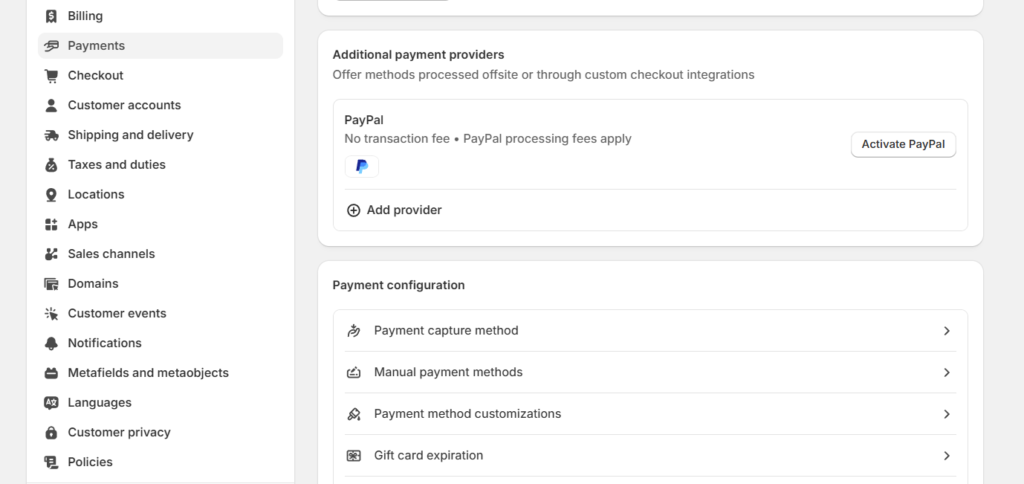
One 2026-specific detail worth knowing: transaction fees drop as you move up plans if you use a third-party payment gateway instead of Shopify Payments. That surcharge runs 2% on Basic, 1% on Grow, 0.6% on Advanced, and 0.2% on Plus. If you use Shopify Payments directly, there’s no added surcharge on any plan. You just pay standard card processing rates (roughly 2.15% to 2.9% plus 30 cents per transaction).
What the plan fee doesn’t cover
The subscription is the entry ticket, not the total bill. Four categories consistently add up on top of the Shopify plan costs. Skipping any of them from your budget is how a $39 estimate turns into a $200 surprise.
Apps
Most active Shopify stores run somewhere between 8 and 25 paid apps, covering reviews, email/SMS marketing, subscriptions, page builders, and loyalty programs. Combined, that typically runs $50 to $300 a month for a small-to-mid store. It can climb toward $350 to $1,400 a month for larger, app-heavy operations. A brand-new store can reasonably start with 2 to 4 apps and stay closer to the low end of that range. A common starting stack looks like one review app, one email/SMS app, and maybe a page builder. That lands most first stores around $30 to $80 a month in app costs alone.
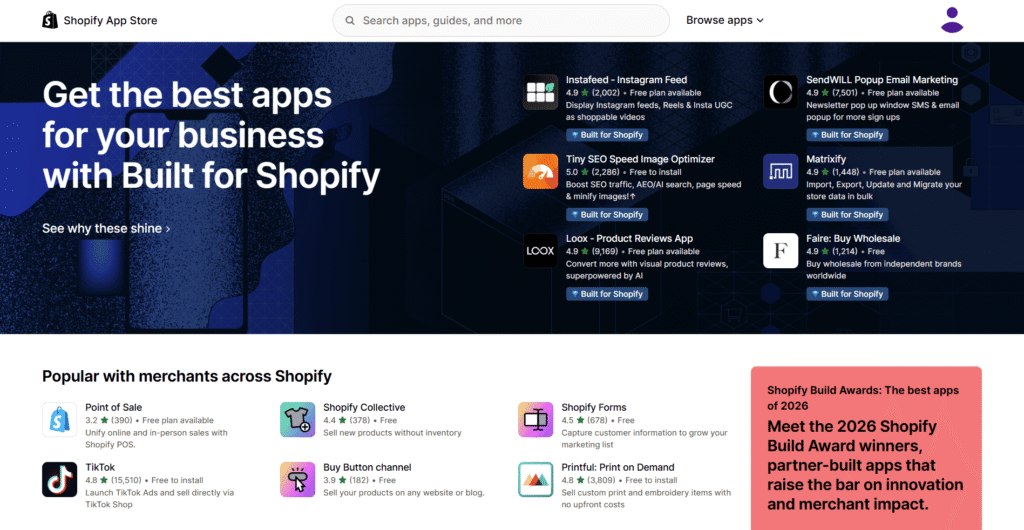
App costs also compound in a way the monthly sticker price hides. Most apps bill per store, not per plan tier, so upgrading from Basic to Grow doesn’t change what you owe your app vendors. Budget app costs as a separate line entirely from your Shopify subscription rather than assuming they scale together, since they don’t.
Themes
Free themes from Shopify’s Theme Store cost nothing and are perfectly usable for a first store. Premium themes run $180 to $500 as a one-time purchase, not a subscription. A fully custom theme build from a designer runs $15,000 or more, which is well outside what a first-time store owner needs to consider. For a first launch, a free theme is a genuinely reasonable choice, not just a budget compromise. Shopify’s free theme library covers most common store layouts well.
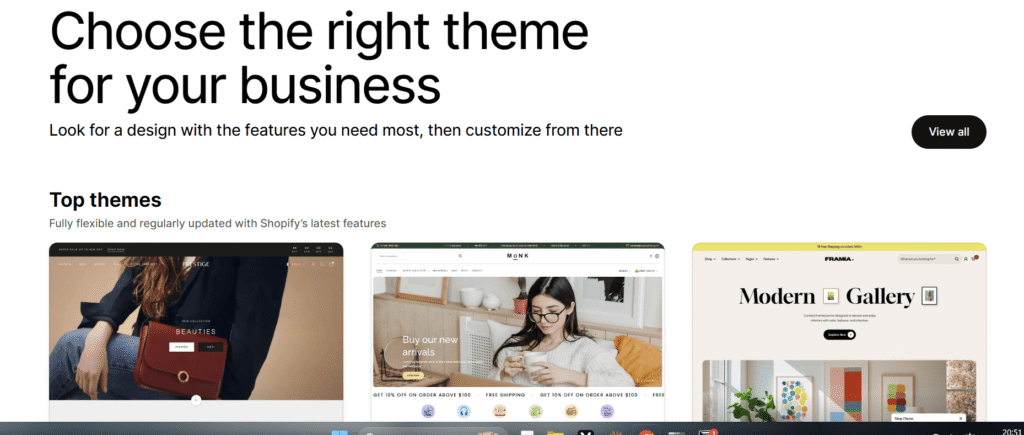
Theme cost isn’t just the purchase price either. A premium theme with more built-in sections and customization options can reduce how many separate apps you need. Features like image galleries or countdown timers, some premium themes bundle these natively instead of requiring a separate app. Whether that trade-off is worth $180 to $500 upfront depends on how many of those specific features you’d otherwise pay for as separate apps anyway.
Payment processing
Covered above, but worth restating as its own budget line: expect roughly 2.15% to 2.9% plus 30 cents per transaction if you use Shopify Payments, or that same rate plus the plan-tier surcharge if you use a third-party processor instead. On a $50 sale, that works out to roughly $1.40 to $1.75 in processing fees through Shopify Payments. That’s a cost that scales with your revenue rather than being a fixed monthly line item.
Setup and development time
Even a straightforward store launch commonly needs $500 to $5,000 in developer or setup-specialist time to configure everything correctly, if you’re not doing it yourself. Complex builds or migrations from another platform can run $10,000 to $100,000+, though that’s far beyond what a first store requires. Doing your own setup, which is entirely realistic on Basic with a free theme, keeps this cost at zero, just time instead of money. Expect a genuine first-timer to spend somewhere between a weekend and two weeks getting a basic store fully configured and ready to launch. The exact time depends on how many products you’re listing and how much content you’re writing yourself.
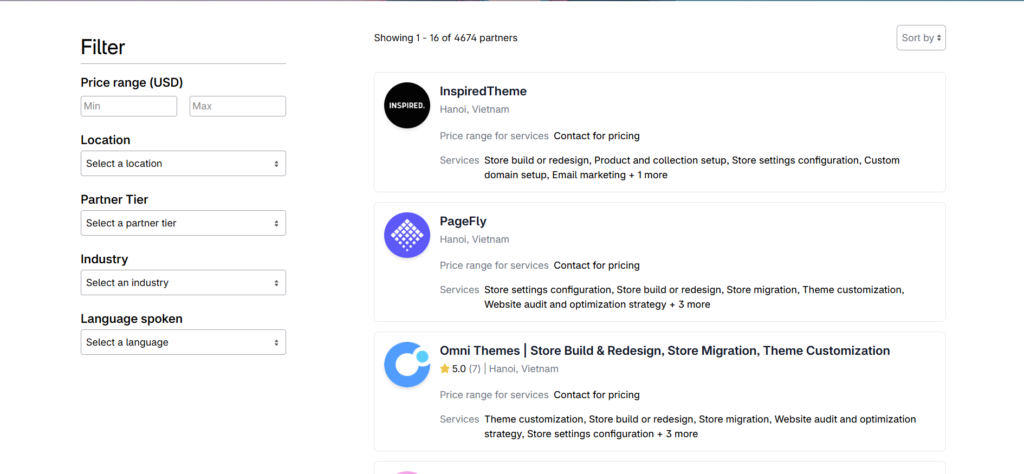
A realistic Shopify store setup cost by store type
Three different starting points, since the true cost to start an online store genuinely depends on how seriously you’re launching, not just which plan you pick.
Bare-bones DIY launch
Basic plan ($39/mo monthly, or $29/mo if you commit annually), free theme ($0), no paid apps for month one, self-setup. On monthly billing: roughly $50 to $70 for the first month once you add a $10 to $15 domain. On annual billing, your effective monthly cost drops to around $40 to $60, but you’re paying roughly $348 upfront rather than month to month. This is the realistic floor for a real storefront now that Starter is gone. It’s a completely viable way to launch and start testing whether your product sells at all before spending more. Most sellers in this tier add their first paid app (usually a review app) once they’ve made a handful of real sales, not before.
A serious first store
Basic or Grow plan ($39 to $105/mo monthly, or $29 to $79/mo if billed annually), a premium theme ($180 to $500 one-time), 3 to 5 starter apps for reviews and email marketing ($50 to $150/month), plus a domain. First-month total on monthly billing lands around $250 to $500 depending on plan tier and theme choice. The one-time theme cost front-loads that first bill higher than ongoing months. This tier suits someone who’s already validated the product idea elsewhere and wants the store to look polished from launch day. It’s the tier most stores that started bare-bones eventually graduate into once early sales justify the investment.
Fully custom build
Grow or Advanced plan, custom or heavily modified theme, developer setup time, and a fuller app stack from launch. Doing this yourself in-house typically runs $1,500 to $5,000+ for the initial build. Hiring a Shopify agency for a genuinely custom, professionally designed store runs considerably higher, often a few thousand dollars for a basic agency setup up to $25,000+ for complex, fully custom builds with conversion optimization work included. It then settles into an ongoing monthly cost similar to the “serious first store” tier once it’s live. This path makes sense once you’re confident in the product and want the store to look fully custom from day one. It’s not the right choice for validating a first idea, since you’re spending real money before you know if the product will sell. Save this tier for a second or third store once you already have proof a concept works.
DIY versus hiring help
This is really a time-versus-money decision, not a right-versus-wrong one. Building it yourself costs close to nothing beyond the subscription and domain, but the learning curve for theme customization, basic SEO, and conversion optimization is real, and every hour spent debugging a theme is an hour not spent on product or marketing. Hiring an agency costs real money upfront but gets a store live faster and with more expertise baked in from day one. Neither choice is automatically better; it depends on whether your time or your capital is the more constrained resource right now.
What this article doesn’t cover: marketing and total business costs
Everything above is platform, app, and setup cost, the price of the store itself. Getting customers to that store is a separate budget line. A reasonable starting rule: set aside 10 to 20% of projected monthly revenue for ongoing marketing, or, if you have no sales history yet, a fixed test budget of $300 to $1,000 a month to run initial ad experiments on Meta or Google before scaling whatever works.
This article also covers Shopify platform costs specifically, not total business startup costs. A private-label brand with custom packaging, professional photography, and real inventory to purchase upfront can run anywhere from $1,000 to $60,000 depending on the product category, according to Shopify’s own startup-cost research, since that figure includes product development and stock, not just the storefront. If you’re sourcing pre-made products without holding inventory yourself, Shopify Collective lets you sell other Shopify brands’ products with typical margins of 20 to 50%, a lower-risk way to test a product category before committing to your own manufacturing or bulk inventory purchase.
If you’re specifically weighing Shopify against a free-to-start path, our guide on starting dropshipping with little to no money breaks down the true $0 alternative side by side. And if you haven’t tried Shopify itself yet, see what’s actually included in the free trial before committing to a paid plan.
A worked first-month bill, itemized
Numbers in the abstract are easy to skim past. Here’s an actual itemized bill for a “serious first store” launch, the middle tier described above.
Basic plan, billed monthly (not annually): $39. Domain name for the first year, paid upfront: $12. A premium theme, one-time purchase: $280. Three starter apps, a review app at $19/month, an email app at $20/month, and a basic SEO app at $10/month: $49 combined. Payment processing on an estimated $800 in first-month sales through Shopify Payments, at roughly 2.9% plus 30 cents per order across 20 orders: $29.20.
Add that up and the real first-month bill lands at $409.20, driven mostly by the one-time theme cost. Strip the theme out and use a free one instead, and the same store’s first month drops to $129.20. That single decision, paid theme versus free theme, is the biggest lever most first-time store owners have over their actual launch cost.
Month two, with the theme already paid for, drops to roughly $129 in ongoing subscription, app, and processing costs. That figure scales up or down with actual sales volume. It’s a more representative number for what running the store costs once the one-time setup expenses are behind you.
When it makes sense to upgrade plans
Basic covers most first stores comfortably, but a few specific triggers signal it’s time to move to Grow or Advanced rather than staying on Basic indefinitely. Needing a second staff account is the most common one. Basic includes limited staff logins, and a growing store often needs more than one person with admin access sooner than expected.
Transaction volume is the second trigger. Since the third-party gateway surcharge drops from 2% on Basic to 1% on Grow, higher volume can justify the upgrade on its own. On monthly billing, a store doing enough volume through a non-Shopify-Payments processor can offset the $66/month price jump (from $39 to $105). That break-even point comes once monthly sales through that gateway cross roughly $6,600. Below that volume, the surcharge difference doesn’t cover the higher plan cost, so staying on Basic remains the better math. The math shifts slightly on annual billing since the gap between tiers narrows to $50/month ($29 to $79), lowering that break-even point somewhat.
Reporting needs are the third common trigger. Basic’s built-in analytics cover the essentials. But stores that need deeper cohort analysis, custom reports, or multi-location inventory tracking often find Grow worth the jump. That’s typically true well before the transaction-volume math alone would justify it.
FAQ
Plan and pricing questions
What’s the real cheapest way to start a Shopify store?
Basic at $39/month (or $29/month if you commit to annual billing) with a free theme and no paid apps, which lands your first month around $50 to $70 including a domain. The old $5/month Starter plan is gone for new signups as of 2026. It’s no longer a real option even though some articles still mention it.
Does Shopify have hidden fees?
Not hidden exactly, but easy to miss. Payment processing rates, the third-party gateway surcharge if you don’t use Shopify Payments, and app subscriptions all sit outside the advertised plan price. These add up quickly if you’re only budgeting for the subscription. These shopify hidden fees are really just uncounted costs, not deliberately concealed ones.
How does Shopify’s cost compare to other platforms for a first online store?
The cost to start online store on Shopify runs roughly $50 to $70 bare-bones. That’s comparable to or slightly higher than free platforms like WooCommerce for the subscription itself. Shopify includes hosting and security that a self-hosted alternative bills separately.
Setup cost questions
How much does it cost to set up a Shopify store myself vs. hiring someone?
Doing it yourself on Basic with a free theme costs close to $0 beyond the subscription and domain. Hiring a developer for a straightforward setup typically runs $500 to $5,000.
Do I need a paid theme to start?
No. Free themes from Shopify’s Theme Store are fully functional and used by many successful stores. A premium theme ($180 to $500) mainly buys you a more polished starting design, not features you can’t get for free.
Should I pay monthly or annually for Shopify?
Annual billing saves roughly 26% (Basic drops from $39 to $29/month). But it means paying the full year upfront, around $348 for Basic, rather than spreading the cost. For a genuinely new store still validating whether the product sells, monthly billing costs more per month. But it keeps you free to cancel without losing a prepaid year if the store doesn’t work out.
Is the Shopify free trial enough time to plan my budget?
The 3-day free trial plus the $1/month period is roughly 93 days total. That’s enough time to build the store and decide on your plan tier before paying full price. It’s a reasonable window to firm up your real monthly budget before committing.
How much should I budget for marketing on top of the platform cost?
A common rule of thumb is 10 to 20% of projected monthly revenue once you have sales data. Before that, a fixed test budget of $300 to $1,000 a month is a realistic starting point for running initial ad experiments and finding out what actually converts.
I’m building EasyCommerce Club to be the ecommerce resource I wish I’d had starting out, plain-language guides, essential information.
Leave a Reply